
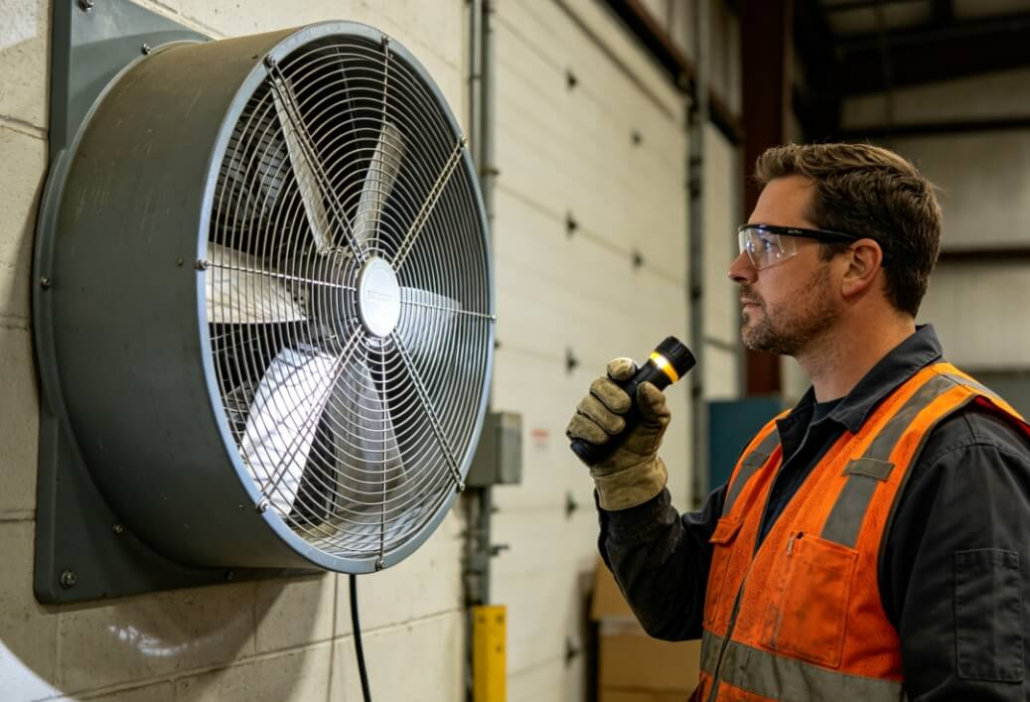
Extend Your Industrial Fan Life by 200%: A Factory Maintenance Guide
You invested in a quality industrial axial or centrifugal fan to move air reliably for years. But even the best-built equipment needs basic care to deliver its full lifespan. The difference between a fan that fails in three years and one that runs smoothly for a decade often comes down to simple, inexpensive maintenance.
As a manufacturer who sees the real-world wear patterns on thousands of fans, we know exactly what causes premature failure – and how to prevent it. This guide walks you through a practical, no-nonsense maintenance routine that will double or triple the service life of your industrial fans while keeping them efficient and safe.
Why Good Fans Die Young (And How to Avoid That)
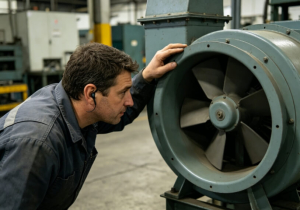
Industrial fans seem simple – a motor, a blade or impeller, a housing. But in harsh environments, small problems escalate quickly. Dust buildup unbalances blades. Unbalanced blades vibrate. Vibration destroys bearings. Seized bearings burn out motors.
We have seen perfectly good fans thrown away simply because no one cleaned them for two years. We have also seen thirty-year-old fans still running smoothly because someone spent ten minutes a month on basic care.
The golden rule of fan maintenance: Small, regular attention prevents catastrophic failures. You do not need special tools or engineering degrees – just a schedule and a willingness to look closely at your equipment.
Monthly Maintenance Checklist (10 Minutes Per Fan)
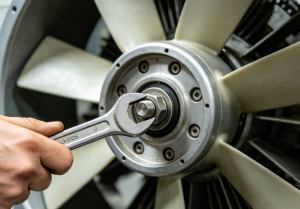
Set a recurring calendar reminder. Walk your facility with this checklist once every month.
1.Visual Inspection (2 minutes)
Look for cracked or missing guards – safety first.
Check for bent, cracked, or loose blades on axial fans.
Inspect centrifugal impellers for debris wrapped around the hub.
Examine mounting bolts, brackets, and wall flanges for looseness.
2.Listen (2 minutes)
Turn the fan on and stand near it.
A smooth hum is normal. Grinding, scraping, or rattling means something is wrong.
Intermittent squeaks often indicate a dry bearing or a loose belt (if belt-driven).
3.Feel (2 minutes)
Carefully feel the motor housing after the fan has run for 10+ minutes. It should be warm but not painfully hot to touch. If you cannot hold your hand on it for five seconds, the motor is overheating.
Feel for vibration. Place your hand on the housing or mounting structure. Excessive vibration means balance issues or loose components.
4.Quick Clean (4 minutes)
Use a long-handled brush, compressed air, or a vacuum to remove surface dust from blades, guards, and motor cooling fins.
Pay special attention to the motor’s ventilation openings – clogged cooling fins cause overheating.
Quarterly Deep-Clean Procedures
Every three months (or more often in dusty environments like wood shops or grain handling), perform a deeper cleaning.
Step 1 – Power Off and Lockout
Disconnect power completely. For hardwired fans, lock the disconnect. Safety is non-negotiable.
Step 2 – Remove Guards and Access Covers
Unbolt or unclip the fan guard. For centrifugal fans, open the access panel if available.
Step 3 – Thorough Blade/Impeller Cleaning
For axial fans: Wipe each blade individually. Sticky residue (oil mist, adhesive) may require mild degreaser. Never use aggressive solvents on plastic blades unless approved by the manufacturer.
For centrifugal fans: Clean each blade of the wheel. Built-up dirt changes the aerodynamic balance dramatically.
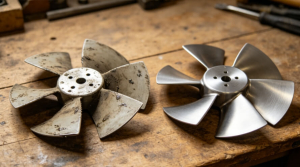
Critical rule: After cleaning, the fan must be as clean as when it was new. Even small patches of stuck-on dirt can unbalance a high-speed impeller.
Step 4 – Inspect and Tighten
Check all set screws, hub bolts, and motor mounting bolts. Use a torque wrench if specifications are available. Loose hardware is a leading cause of vibration damage.
Step 5 – Test Run
After reassembly, run the fan and listen. A freshly cleaned fan should sound smoother than before.
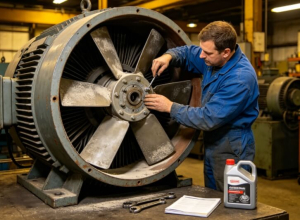
The Bearing Truth: Why Bearings Fail and How to Protect Them
Bearings are the most common failure point in industrial fans. They are also the most preventable.
Types of bearings:
Sleeve bearings – Found only in very cheap fans. They depend on oil-soaked felt and have short lives. Replace the fan when they fail.
Ball bearings – Standard in quality industrial fans. They handle higher loads and last much longer.
Three main bearing killers:
1.Contamination – Dust and moisture enter unsealed bearings. Solution: Our fans use sealed bearings. Keep the bearing housing intact.
2.Lack of lubrication – Many bearings are “permanently lubricated” and sealed. Do not try to grease them. For fans with grease fittings, use the correct grease type (check the nameplate) and do not over-grease – two pumps twice a year is usually enough.
3.Vibration – Unbalanced blades hammer the bearing races. Solve the root cause (clean the blades, tighten the hub) before replacing bearings.
When to replace bearings:
Audible grinding or rough feeling when spinning the shaft by hand.
Excessive radial play (the shaft wiggles noticeably).
Evidence of rust or overheating (discolored grease leaking out).
Motor Care: Heat, Dust, and Voltage Are the Real Killers
The motor is the most expensive single component. Protect it with these habits:
Heat management:
Keep motor cooling fins and fan blades clear of dust.
Ensure adequate spacing around the motor for air circulation.
If a thermal overload trips repeatedly, do not just reset it – find out why (undersized fan, blocked intake, high ambient temperature).
Dust management:
For TEFC (Totally Enclosed Fan-Cooled) motors, the external fan blows dust over the smooth motor shell. Clean that external fan regularly.
For dusty applications, open motors should never be used. Our TEFC motors are designed for exactly these environments.
Electrical care:
Check voltage at the motor terminals periodically. Sustained voltage 10% above or below nameplate rating will shorten motor life.
For three-phase motors, check for phase imbalance. Even a 5% imbalance creates excess heat.
When to Repair vs. Replace: A Simple Decision Guide
| Situation | Action |
| Broken belt (belt-drive fan) | Repair – belts are consumable. |
| One cracked blade on an axial fan | Replace the blade set (if available) or replace the fan. |
| Noisy bearing | Replace bearing if fan is >$500 and less than 10 years old. Otherwise consider replacement. |
| Burned-out motor | Compare cost of new motor + labor vs. new complete fan. Often a new fan is cheaper and includes fresh bearings. |
| Severely bent housing or rust-through | Replace – structural integrity is gone. |
| Motor runs but moves little air | Check for reversed rotation (on three-phase), blocked intake/exhaust, or severely dirty impeller. |
Storage Tips for Spare or Seasonal Fans
If you keep spare fans or use certain models only in summer or winter, store them properly:
Clean the fan thoroughly before storage.
Store in a dry, indoor area. High humidity corrodes bearings and motor windings.
Cover with a breathable tarp – plastic traps condensation.
Rotate the shaft by hand every three months to redistribute bearing grease.
Before reinstalling after long storage, spin the fan manually and listen for stuck bearings.
Conclusion: Small Effort, Big Return
A quality industrial fan is a durable machine, but it is not maintenance-free. Ten minutes of monthly attention, a quarterly deep clean, and basic awareness of bearings and motor heat will easily double the working life of your fans.
You do not need to be an engineer. You just need a routine and the discipline to follow it. And when you start with a well-built fan from a factory that understands industrial conditions, you are already halfway to two decades of reliable airflow.
Ready to put these principles into practice?
Browse our line of heavy-duty axial and centrifugal fans – all built with sealed ball bearings, TEFC motors, and easy-clean designs. Our factory team can also help you set up a simple maintenance schedule tailored to your facility’s conditions. [Request a Quote or Maintenance Guide Today]


Leave a Reply
Want to join the discussion?Feel free to contribute!